
Japan eSIM with phone number: who needs one, who doesn’t, and what happens after you land
If a restaurant booking or a Japanese app asks for a Japanese number or an SMS code, get a Japan eSIM with a phone number. If you only need maps, translation and LINE, a data-only eSIM does the job. The real difference is one stop after you land: an in-person ID check.
This page contains affiliate links. If you order from Sakura Mobile through these links, I may earn a commission.
This guide is for trips to Japan of 1 to 90 days. You will need a Japanese phone number less often than you think. In this guide I use Sakura Mobile’s Travel Voice + Data eSIM (Prepaid Voice + Data eSIM) as the example, split travelers into those who need a Japan eSIM with a phone number and those who don’t, and walk the first group through what happens after landing.
- Who needs a Japanese number, and who doesn’t
- What the eSIM with a phone number gives you: 3GB a day and capped call minutes
- After you land: it won’t work until your ID is checked
- Three checks before you book: phone, payment, price
- Which one fits your trip
- Japan eSIM with phone number: FAQ
- What to do before you fly
Who needs a Japanese number, and who doesn’t
Count the moments in your plan where a number comes up
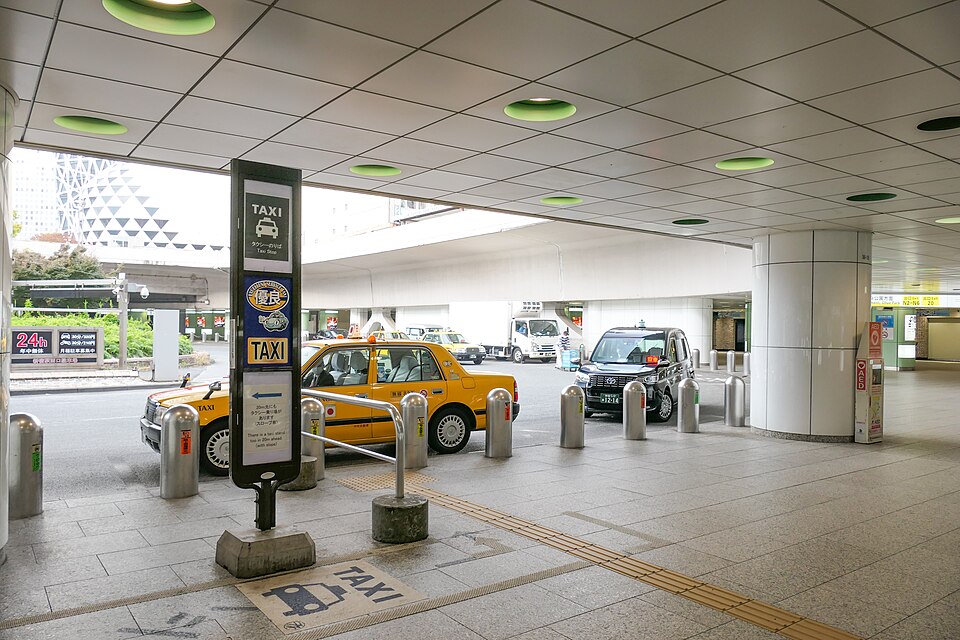
Photo: MaedaAkihiko / Wikimedia Commons (CC BY-SA 4.0, resized)
Write out your plan. If even one of these three is on it, you need a Japanese phone number.
- A booking asks for a number: a restaurant or taxi booking asks for a Japanese phone number or an SMS code
- A Japanese app wants SMS verification: the app sends a code by SMS when you sign up
- You want to call: your hotel, a guide, or an emergency contact, from a Japanese number
If all you use is maps, translation and messaging apps like LINE or WhatsApp, you don’t need a number. Sakura Mobile’s data-only eSIM arrives by email, and there is no in-person ID check to stop for after you land. It really comes down to these two.
My rule: the moment a booking form asks for a Japanese phone number, I go with the number. If you plan to book a restaurant before you fly, open that booking page now and check the form.
A Japanese number, domestic calls, SMS and data on one eSIM, for stays of 1 to 90 days (Sakura Mobile Travel Voice + Data eSIM)
-
-
Japan WiFi, SIM & eSIM Guide 2026 — Stay Connected from Landing
▶ Stage 2 — Getting Ready Japan WiFi, SIM & eSIM 2026 — Pick One Before You Fl …
続きを見る
What the eSIM with a phone number gives you: 3GB a day and capped call minutes
Data, calls and SMS on one eSIM
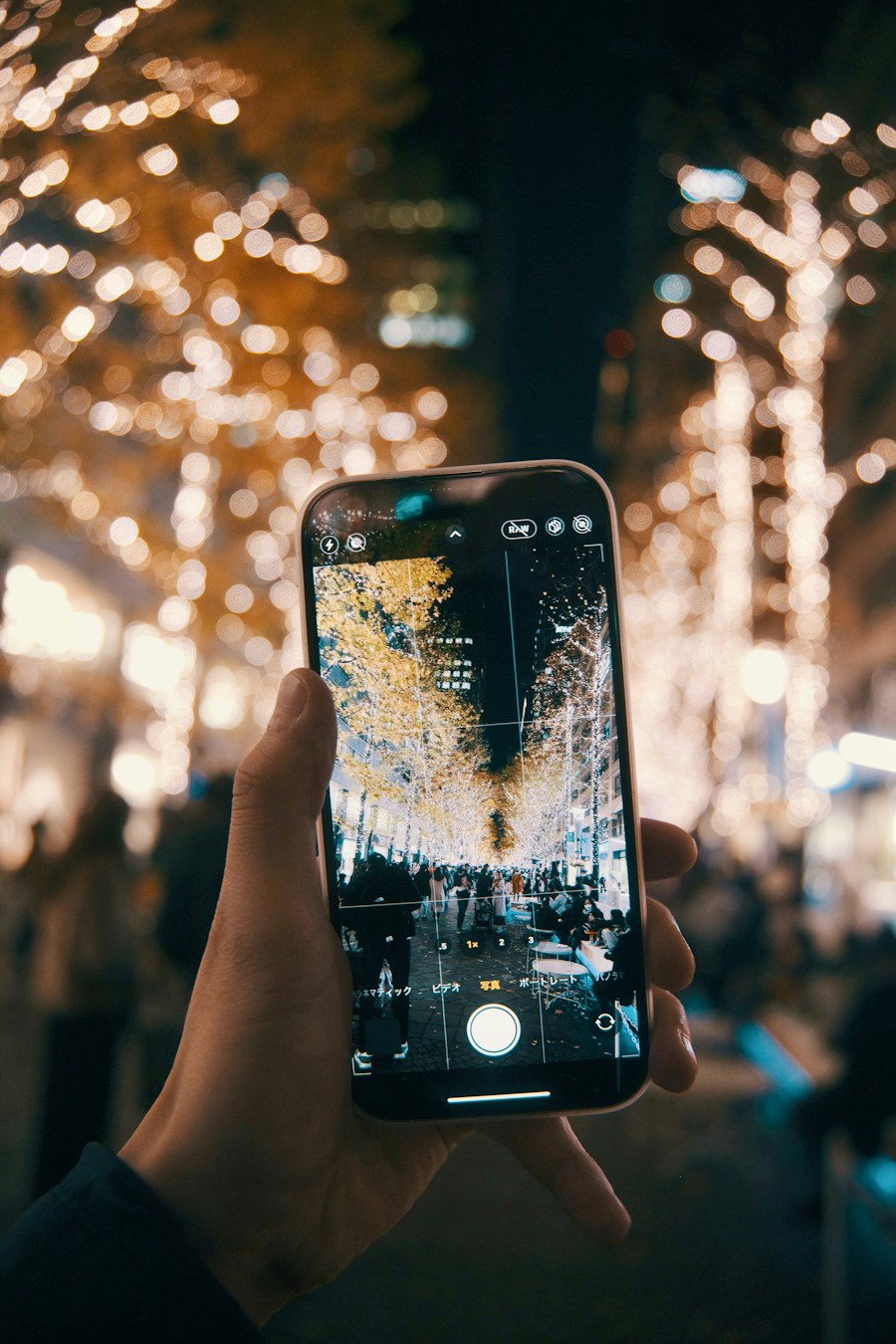
Photo: Leo Okuyama / Unsplash (Unsplash License)
The Travel Voice + Data eSIM runs on au’s 5G network and comes with a Japanese phone number. Data, calls and SMS sit on one eSIM, and plans run from 1 to 90 days.
Data: high speed up to 3GB a day, and it doesn’t cut off
You get up to 3GB of high-speed data per day. According to the official note, going over 3GB in a day does not disconnect you; speed drops to 200 Kbps for the rest of that day. If you stream a lot of video, watch it on WiFi and save the day’s 3GB for maps and search.
Calls: domestic minutes are capped by plan length
The cap on domestic calls depends on how many days you choose. The right-hand column is the cap divided by the longest number of days in that band (my own arithmetic).
| Plan length | Domestic call cap | Per day if you use the full length (rough) |
|---|---|---|
| 1–10 days | Up to 120 min | About 12 min |
| 11–30 days | 240 min | About 8 min |
| 31–60 days | 360 min | About 6 min |
| 61–90 days | 480 min | About 5 min |
Minutes beyond the cap are charged separately; the amounts are on the official “Calls and SMS rates” page.
SMS: Sakura lists Japanese app verification as a use
You can send and receive domestic SMS. The uses Sakura Mobile lists are restaurant and taxi bookings, Japanese app verification, and contacting your hotel, guide or emergency contacts.
Going with a number? Learn the after-landing steps before you book
-
-
First Time in Japan: The Ultimate 2026 Guide for First-Time Visitors
▶ Stage 1 — Planning First Time in Japan 2026 — 8 Things to Decide Before You Go: Timing, Route, Mon …
続きを見る
After you land: it won’t work until your ID is checked
The biggest difference from a data-only eSIM
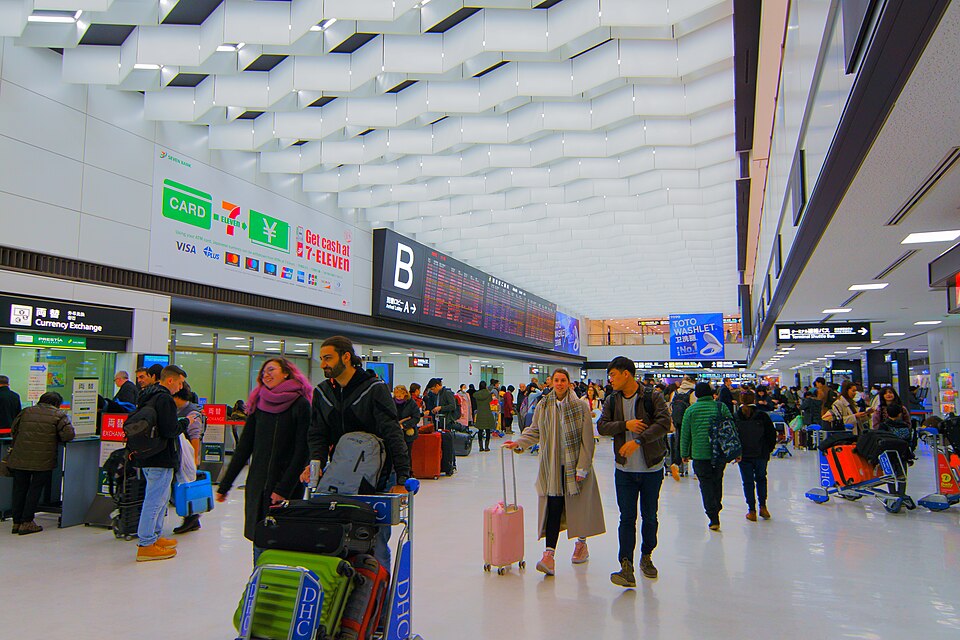
Photo: Nanashinodensyaku / Wikimedia Commons (CC BY-SA 4.0, resized)
Under Japanese law, the Travel Voice + Data eSIM needs an ID check before the service starts; Sakura Mobile does it in person. You can do it at selected airport counters and at the Shinjuku office. Sakura Mobile’s data-only eSIM arrives by email; this one is collected in person.
After immigration and baggage claim, you have one more stop. Build that time in before you head to your hotel. Until the ID check is done, this eSIM gives you no connection. Screenshot the route to the counter and your hotel address before you fly, so you are less likely to get stuck on arrival.
If you do the ID check at the Shinjuku office, plan to get from the airport to Shinjuku without this eSIM, and work out the route before you leave home.
No number needed on your trip? Compare data-only eSIMs that arrive by email
-
-
Japan Airport Transfers 2026: Narita, Haneda & Kansai Complete Guide
▶ Stage 2 — Getting Ready Japan Airport Transfers 2026 — Narita, Haneda & Kansai Complete Guide …
続きを見る
Three checks before you book: phone, payment, price
Miss one and you hit a snag at checkout or after landing
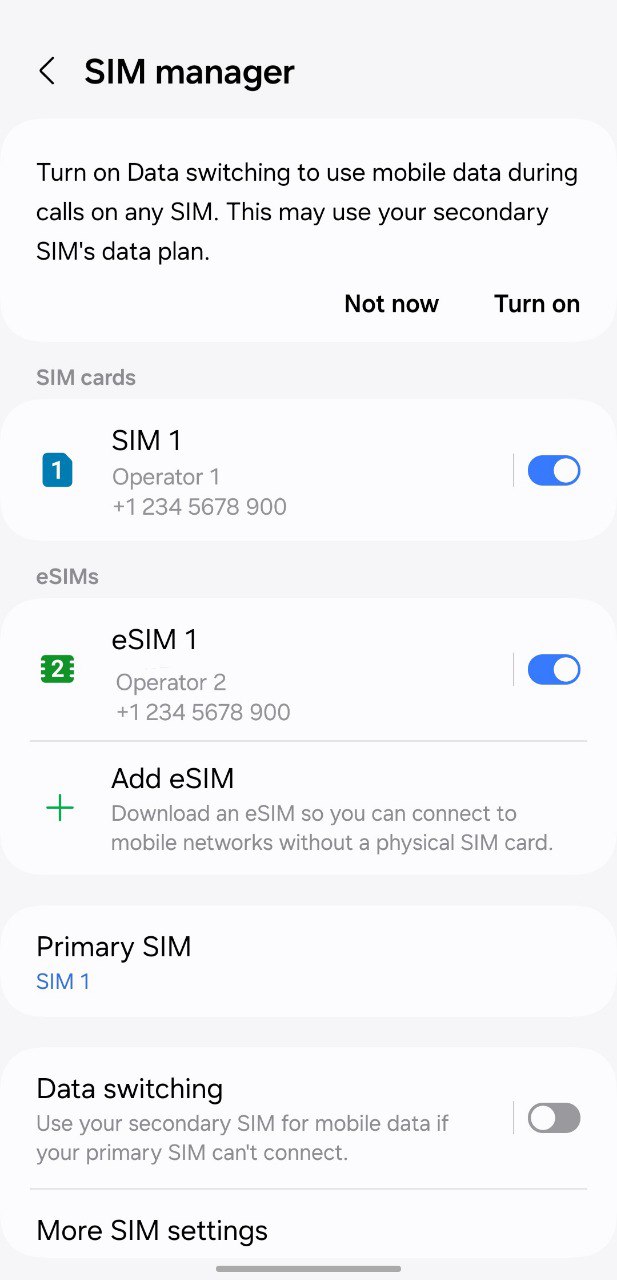
Photo: Sinafe / Wikimedia Commons (CC BY-SA 4.0, resized)
Phone: it must be unlocked
The phone you put the eSIM on must be unlocked (not tied to a carrier). If you bought it from your carrier, ask them whether it is unlocked before you fly. Sakura Mobile lists iPhones sold in mainland China, Hong Kong and Macau as not compatible (see the FAQ below).
Payment: Japanese yen only
You pay in Japanese yen only. If the official page shows another currency, treat it as a guide; what you actually pay depends on the exchange rate and your card issuer.
Price: total for 7 days (e.g. Nov 10–16, 2026), ¥10,340 (tax incl.)
For 7 days (I picked November 10–16, 2026) the total is ¥10,340 (tax incl.). It is not a daily rate; the total rises with the number of days. As a rough guide for a short stay, 1 day alone totals ¥6,160 (tax incl.). The official price table works by picking your usage dates, so the price changes with the number of days you choose. This is the yen-denominated price as of November 3, 2026. I could not find any pickup or ID-check fee on the official page (as of November 3, 2026). Check the final amount on the screen before you pay.
Total for 7 days (e.g. Nov 10–16, 2026): ¥10,340 (tax incl.). Pick your dates to see the total for your trip length (as of November 3, 2026)
-
-
Japan Rail Pass 2026: 7, 14 & 21-Day Prices + Shinkansen Rules
▶ Stage 2 — Getting Ready Japan Rail Pass 2026 — Prices, Which Shinkansen You Can Ride, and Whether …
続きを見る
Which one fits your trip
Two options, decided by what your trip needs
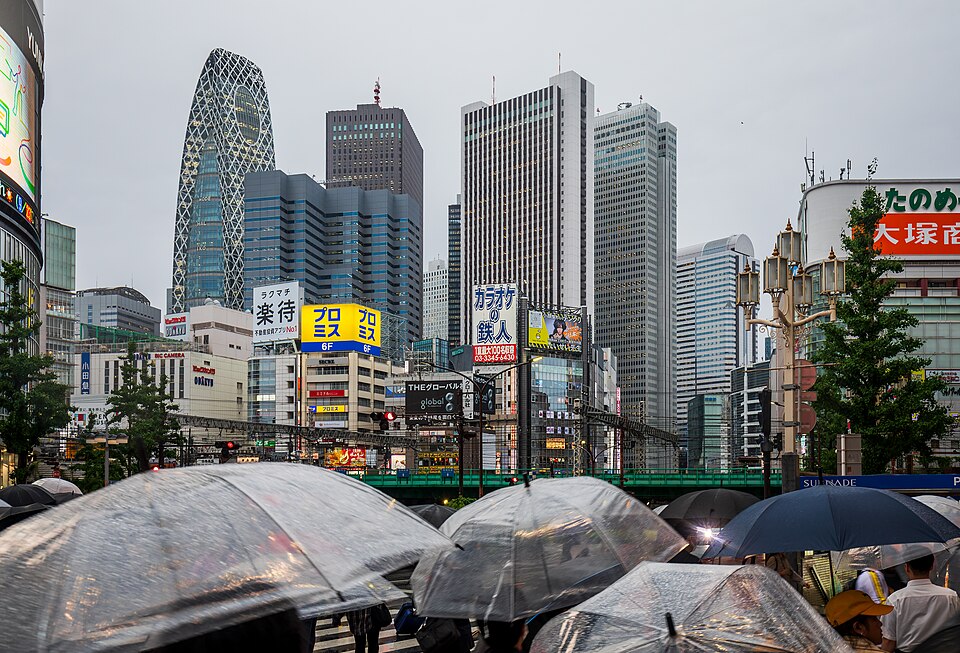
Photo: Simo Räsänen (Ximonic) / Wikimedia Commons (CC BY-SA 4.0, resized)
A booking or app sign-up asked for a Japanese numberTravel Voice + Data eSIM, with a number
If the field only accepts a Japanese number, a data-only eSIM won’t get you past it. Put the ID-check stop at the very start of your itinerary.
You want to call your hotel or guide during the tripTravel Voice + Data eSIM, with a number
Domestic calls are capped by plan length. For a trip of 10 days or less, that is up to 120 minutes.
Maps, translation and LINE or WhatsApp are enoughA data-only eSIM
Sakura Mobile’s data-only eSIM arrives by email, so there is no counter stop at the airport. The WiFi, SIM and eSIM guide on this site compares them.
If you go with a number, two things are left before you fly: confirm your phone is unlocked, and pick your dates on the official page. After that, it is one stop when you land, at a selected airport counter or the Shinjuku office.
Finish the ID check on arrival and get a Japanese number for bookings and SMS codes (au 5G, domestic calls and SMS, up to 90 days)
-
-
IC Card Japan 2026 — Suica, Pasmo & ICOCA Complete Guide
▶ Stage 2 — Getting Ready IC Card Japan 2026 — Suica, ICOCA or Card Tap, and How to Ride in Tokyo, K …
続きを見る
Japan eSIM with phone number: FAQ
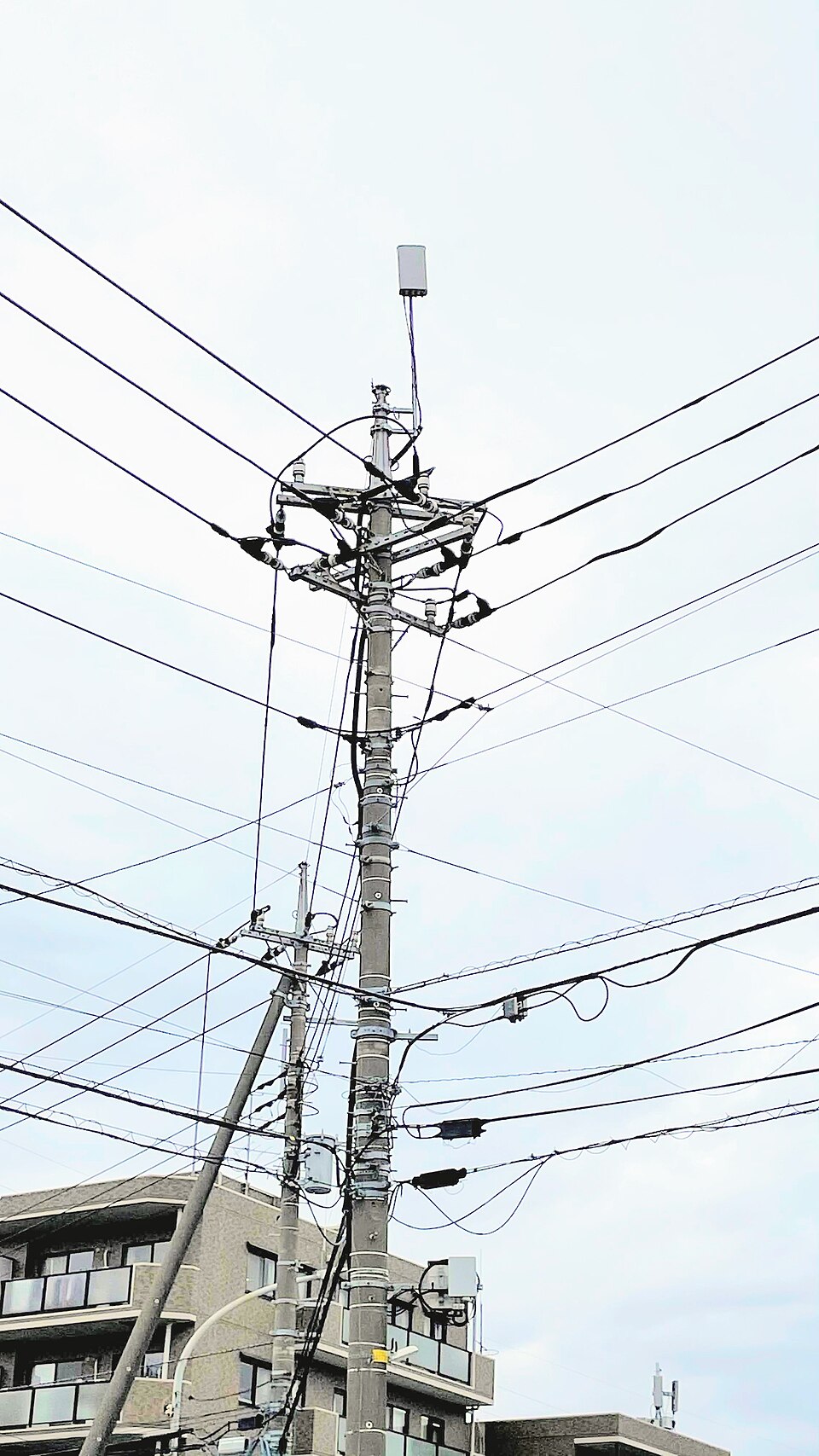
Photo: Yoh-Plus / Wikimedia Commons (CC BY 4.0, resized)
No. The official page says the eSIM cannot be activated before arriving in Japan; it works only after you arrive and finish the in-person ID check. See the after-landing steps ↑
No. After 3GB in a day, speed is limited to 200 Kbps for the rest of that day (a note common to the 3GB/day plans).
Yes. You can connect a travel companion’s phone or your laptop to this eSIM’s connection.
Yes. International calls are charged separately from the domestic call cap. Check the amounts on the official “Calls and SMS rates” page. If calling family over LINE or WhatsApp is enough, that runs on your data.
No. Sakura Mobile lists iPhones sold in China, Hong Kong and Macau as not compatible. Phones bought elsewhere also need to be unlocked. See the checks before you book ↑
The Travel Voice + Data eSIM is for stays of 1 to 90 days, with 90 days as the maximum. Longer stays fall outside this product.
Pocket WiFi, SIM cards and eSIMs, lined up by travel style
-

-
Japan Transportation Guide 2026 — Trains, JR Pass & IC Cards
▶ Stage 2 — Getting Ready Japan Transportation Guide 2026 — Pick the Right Ride in 4 Steps Pick how …
続きを見る